
Open a WhatsApp conversation with the configured business number.
MyNFC Contact
Make contacting your business effortless.
MyNFC Contact gives customers an immediate way to reach or save your business. One tap can open WhatsApp, start a phone call or download a contact card that can be saved on the phone.
- Call
- Save Contact
- No app needed for customers
- Editable destination
- Delivery across Armenia
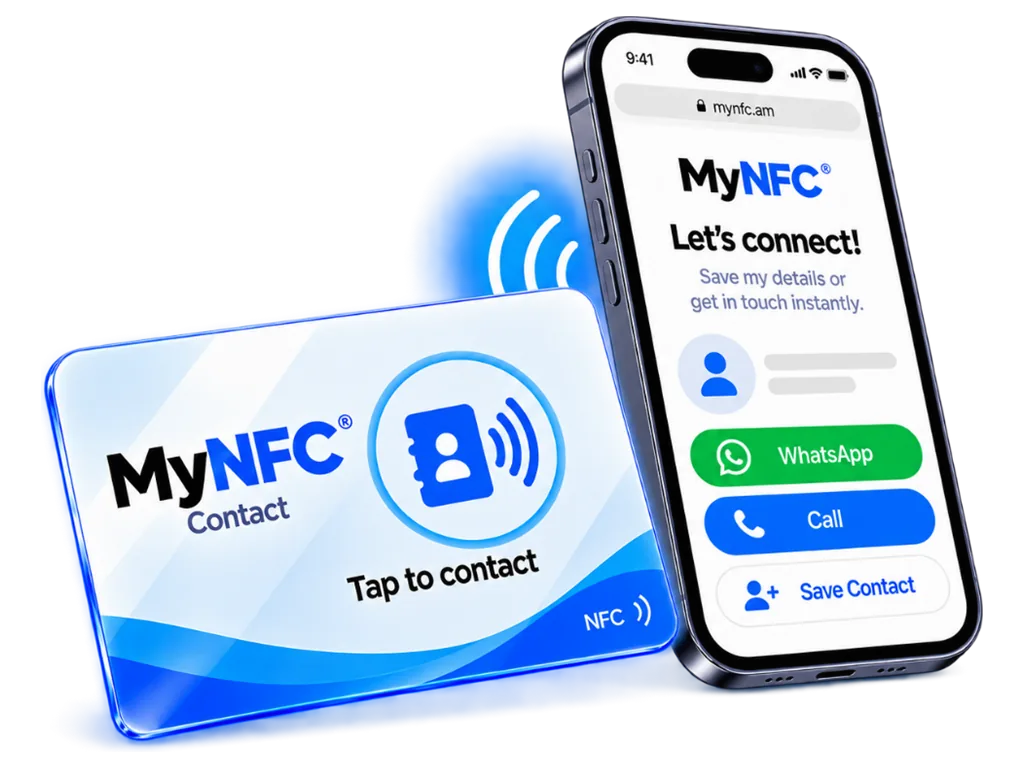
Where the tap leads
Contact actions
Call
Start a phone call to the configured number.
Save Contact
Download a standards-compliant vCard with the contact information you choose to publish.
Details
How MyNFC Contact fits your business
One card, multiple actions
Use landing mode to show WhatsApp, Call and Save Contact together, or use direct mode when one action is more important.
Manage details without replacing the tag
Update your public phone number, WhatsApp destination or published contact information from the dashboard while keeping the same physical NFC device.
How it works
From the counter to the dashboard.
Place MyNFC
Put the card where customers already stand, sit, or check in.
Customer taps
A compatible phone opens the action. No MyNFC app is required.
MyNFC resolves the action
The tap goes to the review, social, or contact destination you selected.
See engagement in Dashboard
Review tap analytics for your cards from the MyNFC dashboard.
Product family
Other MyNFC products
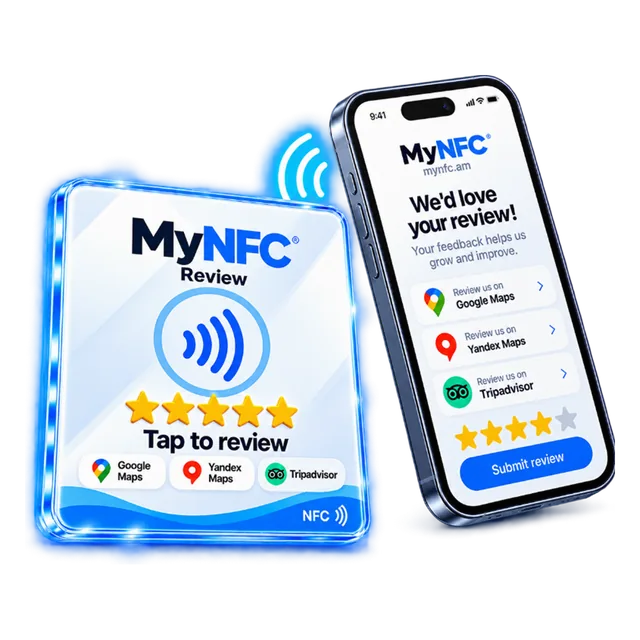
Reviews
MyNFC Review
Open your review page on Google, Yandex, or Tripadvisor. The customer reaches it in one tap.
See MyNFC Review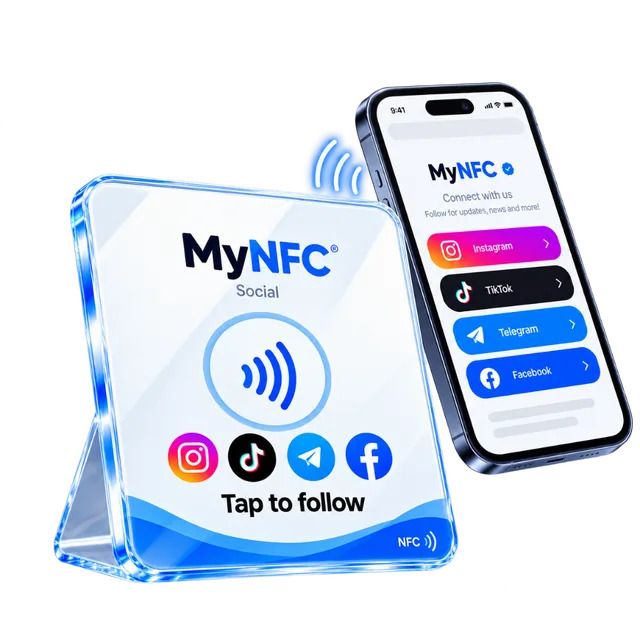
Social
MyNFC Social
Open Instagram, TikTok, Telegram, and Facebook from one tap at the counter.
See MyNFC SocialCommon questions
FAQ
It can open WhatsApp, start a phone call or download a contact card that saves your details to the phone.
Get started
Make your next customer interaction one tap away.
Choose Review, Social, or Contact. MyNFC delivers across Armenia.